Check the basics first
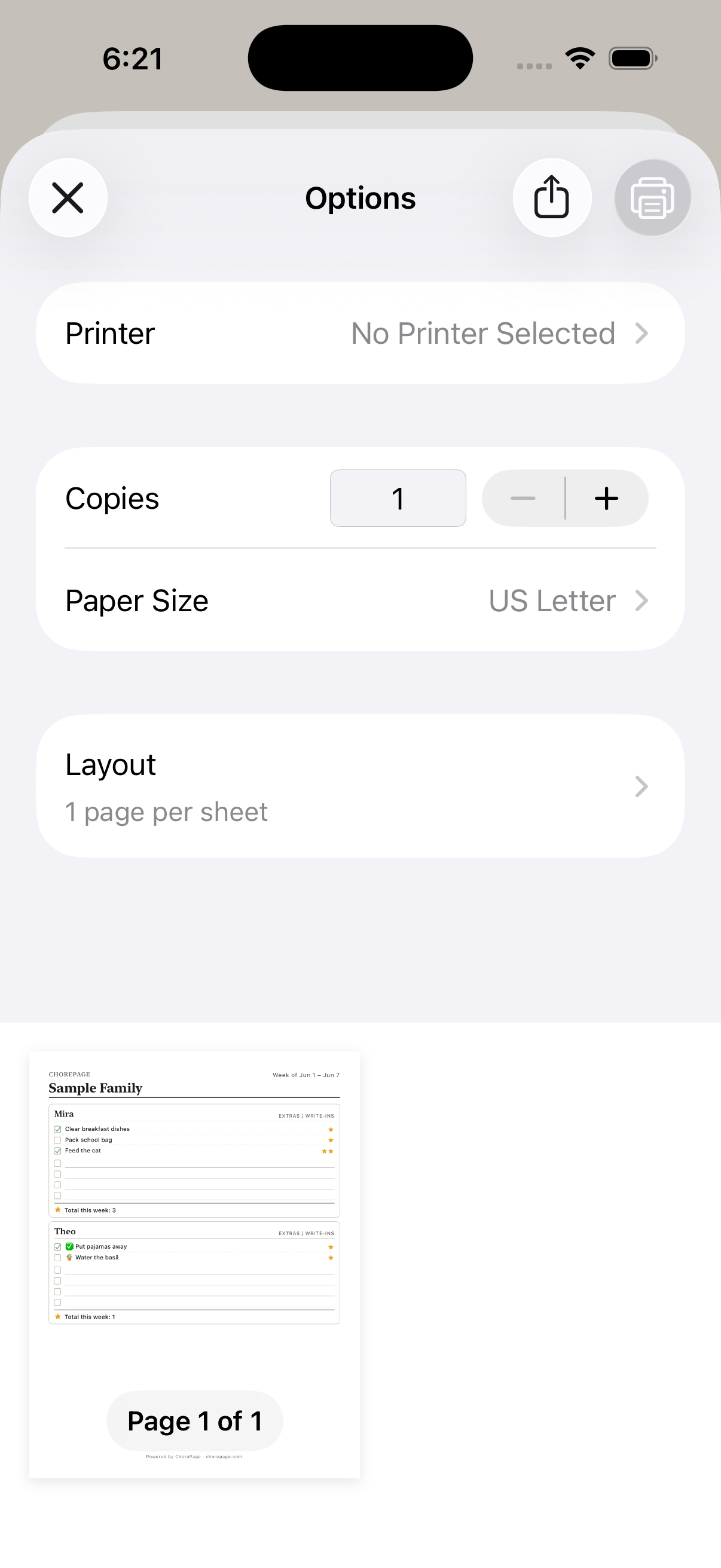
Make sure your device and printer are connected and the printer has paper. Check that the chart preview opens before trying to print.
If direct printing is unavailable, save or share the PDF and send it to another device. Native apps use the system print and share options.
Print from the living list
Return to the chart on the web or in the app, make any changes you want, then print and direct the family to the clean page.
If Choreeo shows an access or subscription message, follow the option shown for your family. If the preview itself will not open, contact support with your device and the step that failed.