
A shared family chore chart
One family chart across iPhone and Android.
Make the chart once, invite someone trusted, and coordinate from the phones the grown-ups already use. Kids keep returning to the same printed page.
Start on the web and enter your email for a 14-day trial with no card required, then print your chart. The new iPhone and Android apps are coming soon.
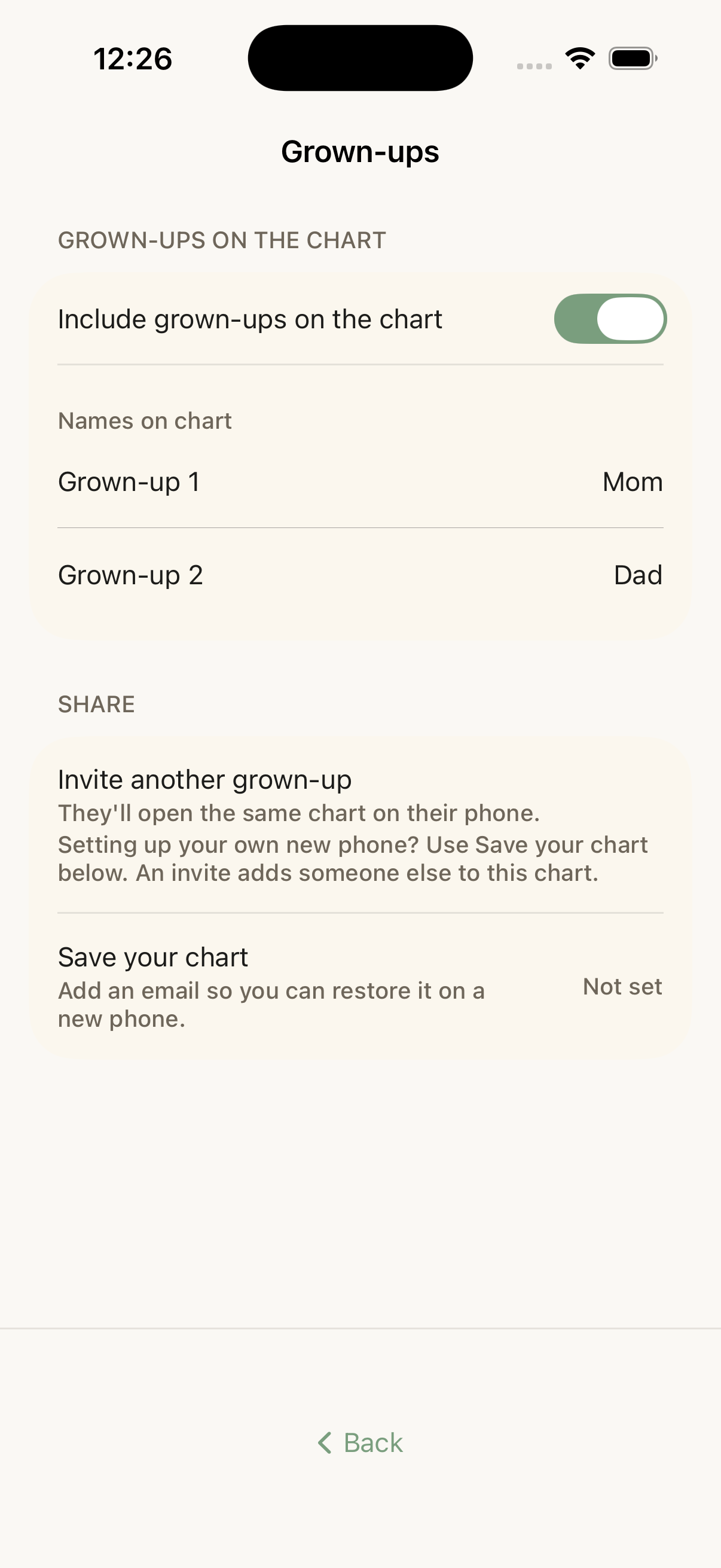
- Invite someone trusted with a relationship-neutral link.
- Open the same family chart on iPhone or Android.
- Keep kids on the shared printed page rather than separate accounts.
Send one invite
Share the chart without rebuilding the household.
Open the grown-up sharing controls and send a link. The person who receives it can join the same family chart instead of starting another copy.
Cross-platform
Use the phones your household already has.
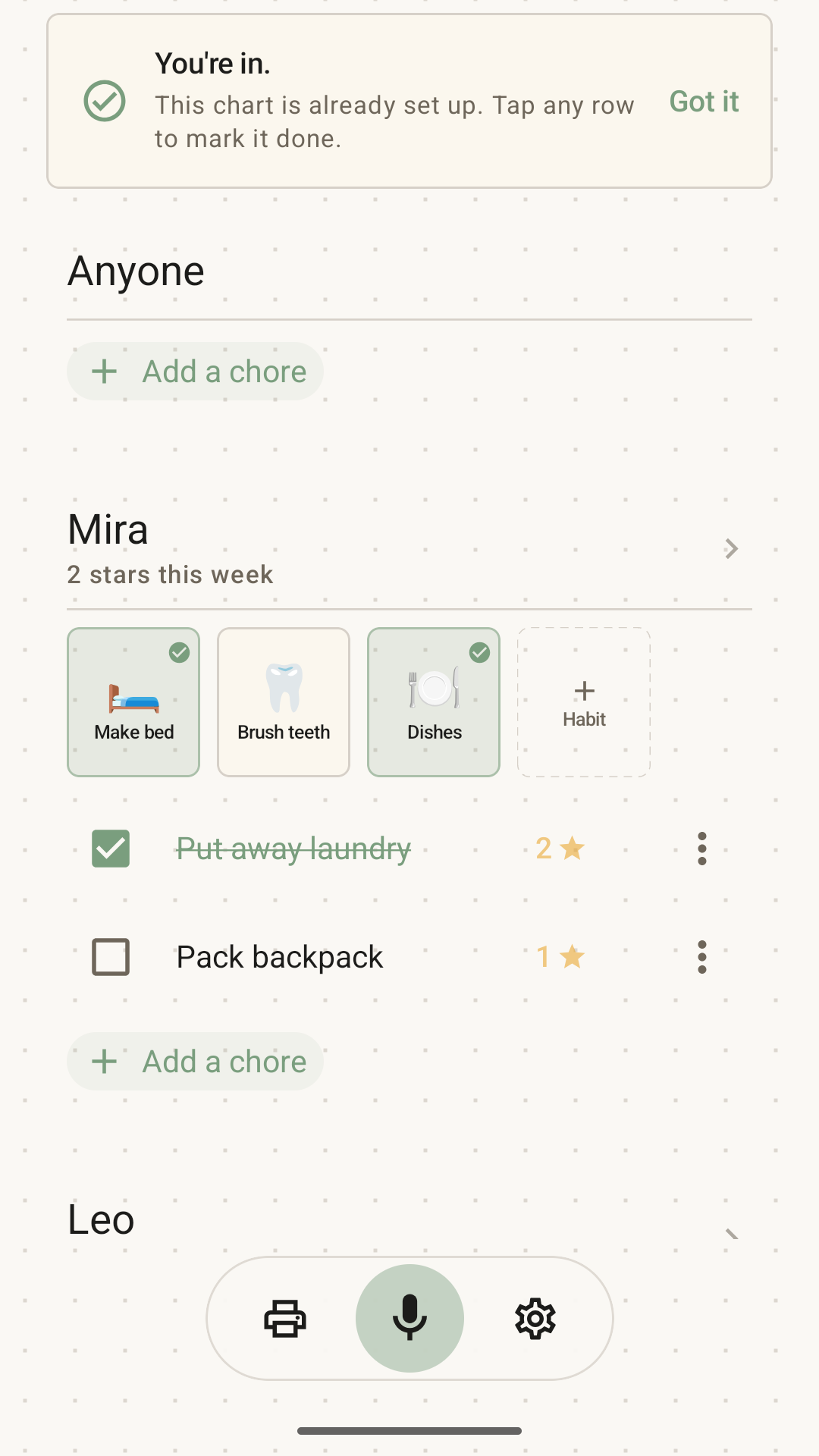
The family chart works across the native iPhone and Android apps, so the grown-ups coordinating do not need matching platforms.
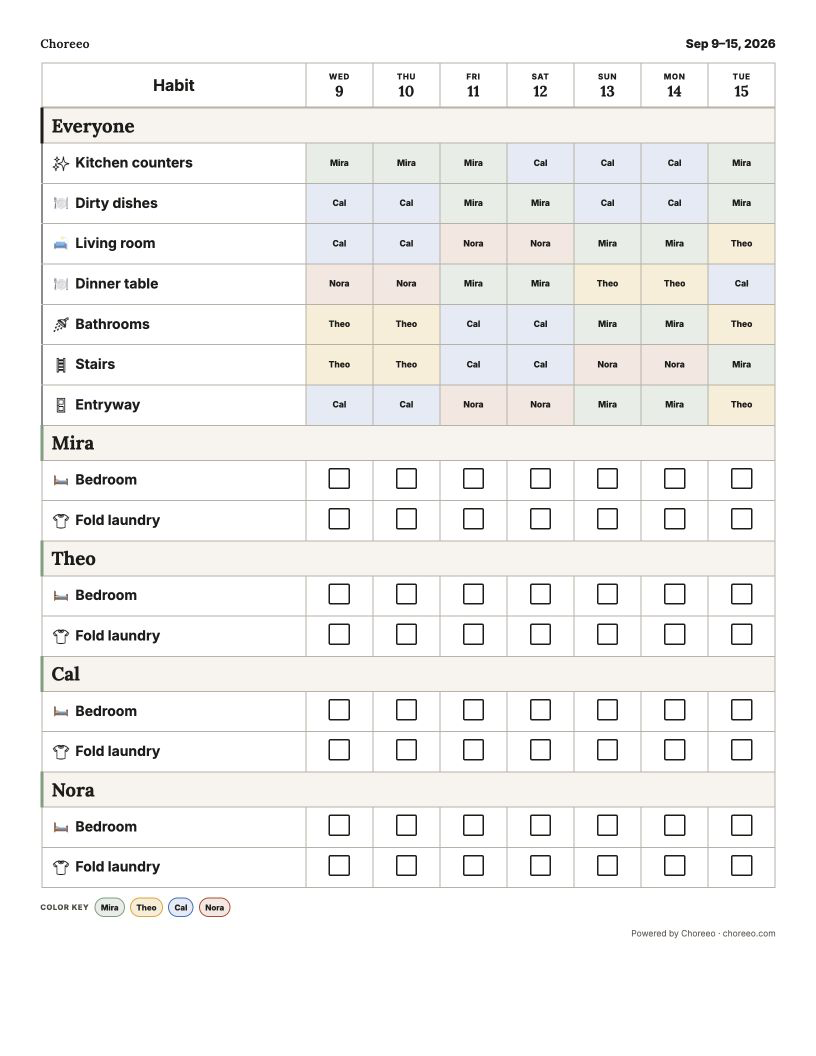
One kid-facing anchor
Let the page stay shared too.
Grown-ups can coordinate behind the chart while kids keep using the same paper view. There is no need to give each child a phone login just to see the household list.
Questions families ask
A paper-first answer, in plain language.
Can an iPhone and Android phone open the same Choreeo chart?
Yes. A grown-up can make the chart, send an invite, and let another grown-up open that family chart on either native platform.
Does Choreeo require a specific family relationship?
No. Invite someone trusted to the shared chart without forcing a relationship label.
Do kids need separate accounts when the chart is shared?
No. Sharing is for grown-ups coordinating in the app. Kids continue to use the printed family chart.
Can more than two grown-ups appear on the chart?
Yes. Choreeo does not assume exactly two grown-ups. Invite the trusted people who help with the family chart.
Print chores. Live tidy.
Make your personalized chart on the web. Put the printout where kids can see it.
Start on the web and enter your email for a 14-day trial with no card required, then print your chart. The new iPhone and Android apps are coming soon.