
For homeschool families
School work and house work can share the fridge.
Keep recurring homeschool routines and household jobs on a weekly Habits chart. Shared jobs get clear turns in Everyone; one-off work belongs on a separate To-do list. Make and update your chart on the web.
Start on the web and enter your email for a 14-day trial with no card required, then print your chart. The new iPhone and Android apps are coming soon.
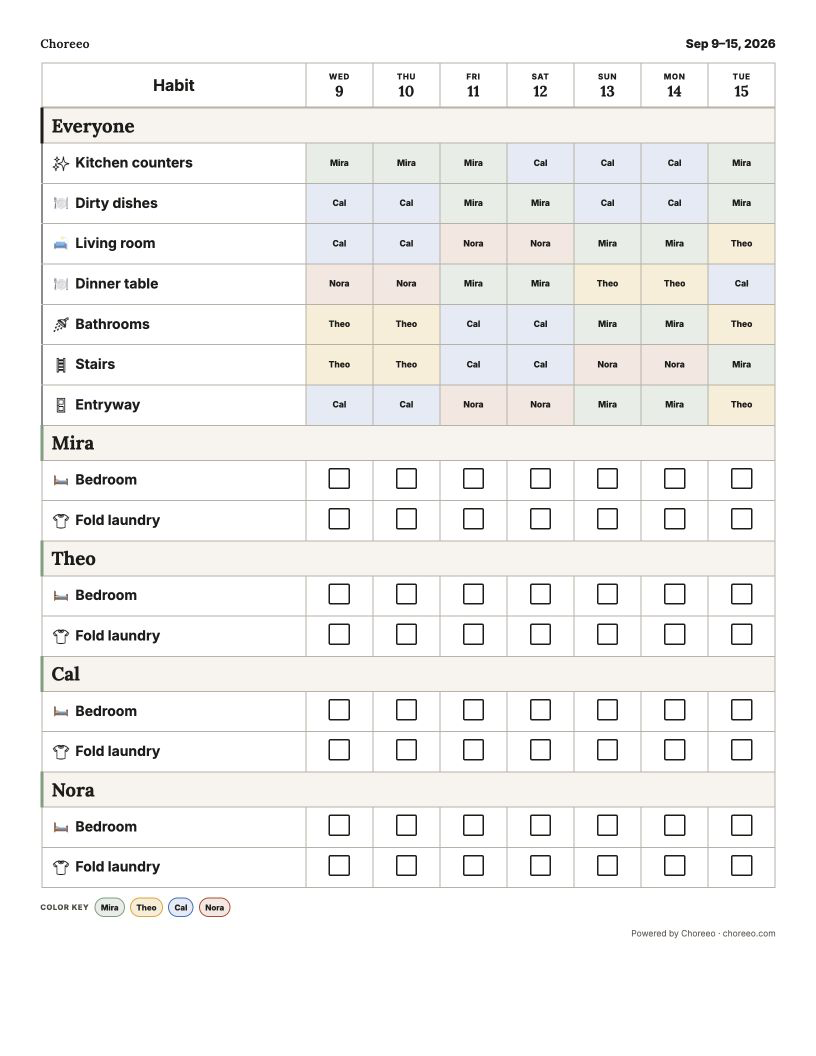
- Use personal Habits for recurring school routines.
- Put shared household jobs in Everyone, above personal habits.
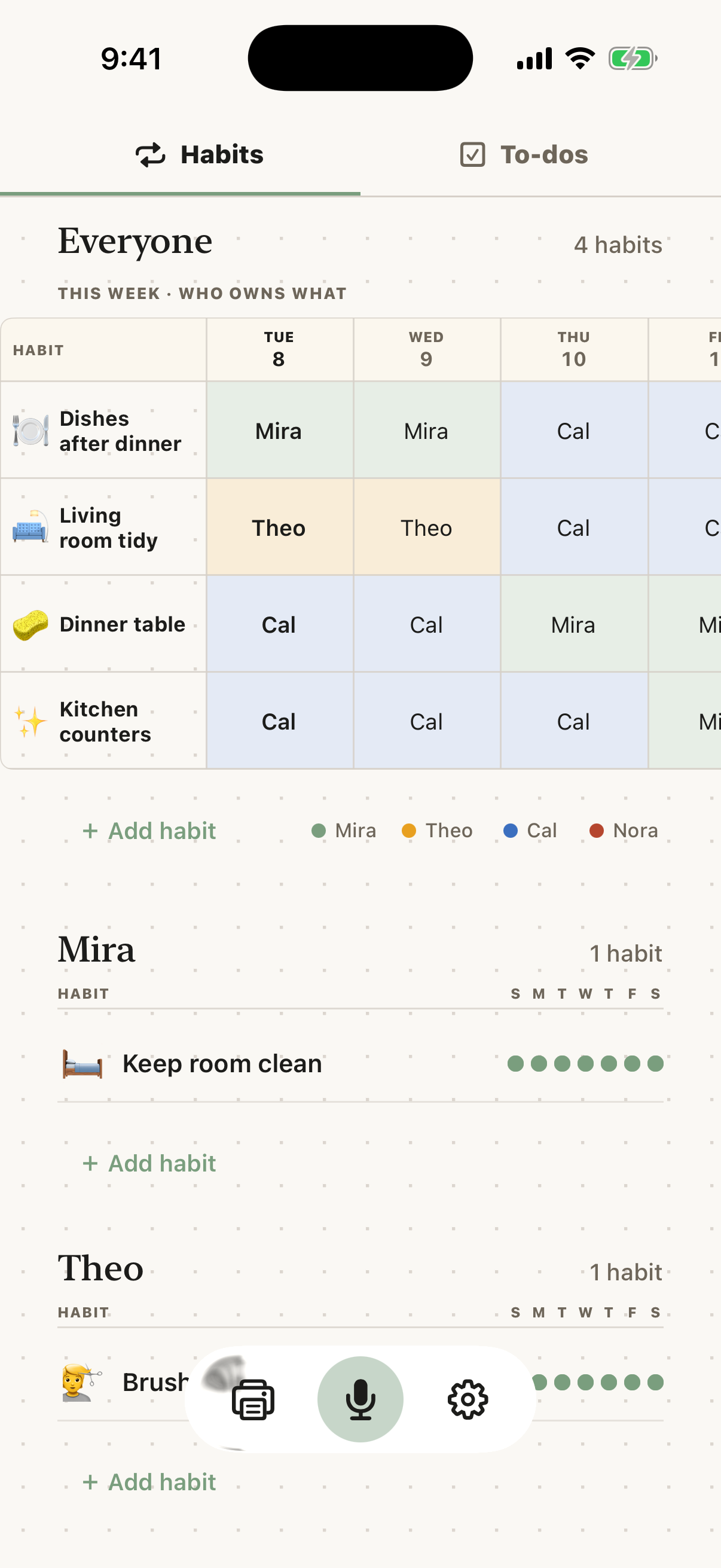
- Update with voice or a tap. Print whenever and direct your family.
A visible day
Let the page carry the next step.
A homeschool day already moves between lessons, meals, rooms, and real household work. Choreeo gives those jobs one visible home instead of asking kids to check another device.
Keep repeated tasks such as reading or clearing the desk in personal Habits. Use Everyone for shared jobs such as tidying the learning space, and the separate To-do list for one-off work.
Change it quickly
Adjust the list while the day is moving.
A lesson takes longer. The library trip moves. Someone finishes dishes before lunch. Grown-ups can change the list on the web with voice or a quick tap.
Kids keep returning to the printed chart. They do not need a Choreeo account or their own phone.
Paper on demand
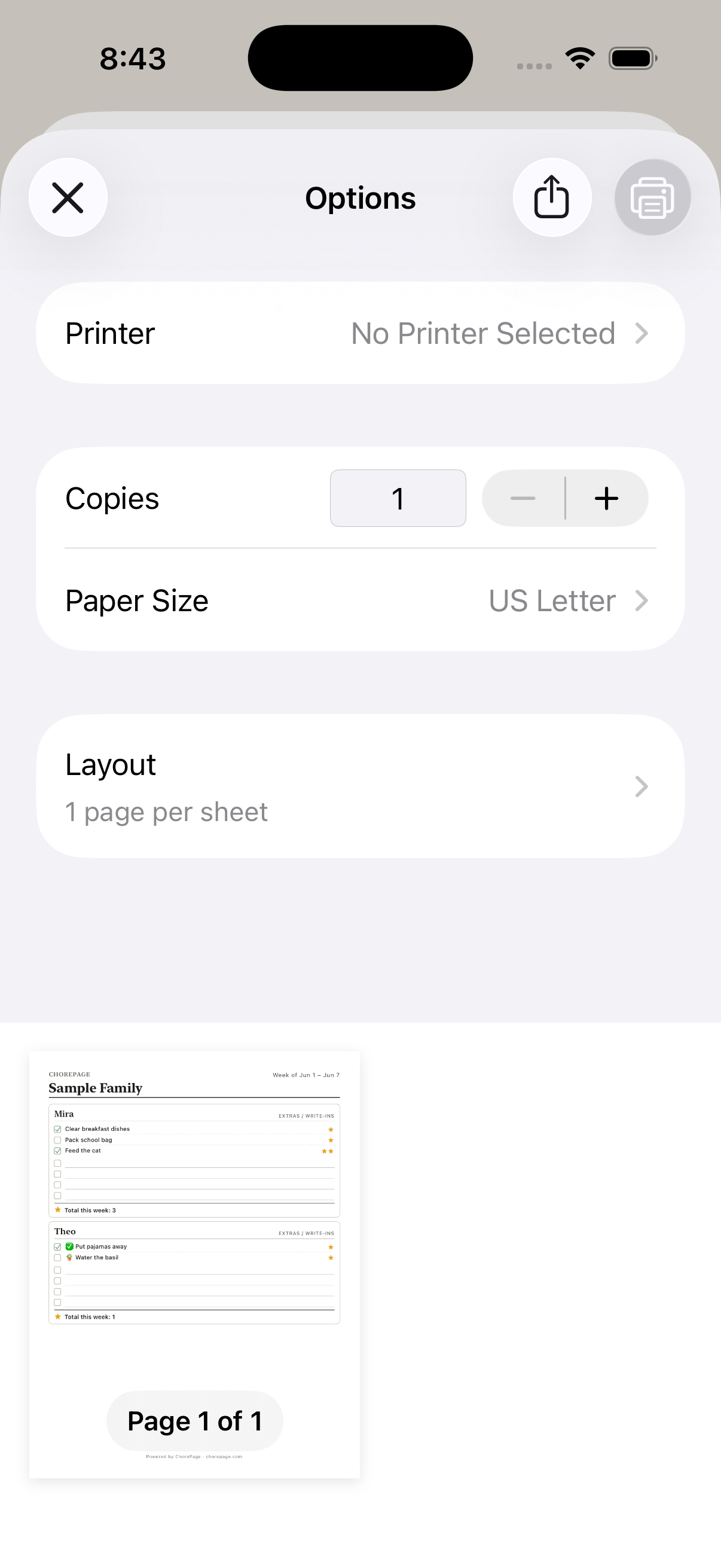
Print whenever and direct your family.
Choreeo does not prescribe a perfect weekly reset. Print before a new unit, after a seasonal change, or whenever the page on the fridge is no longer the clearest version of family life.
Questions families ask
A paper-first answer, in plain language.
Can school work and household chores appear on the same chart?
Yes. Recurring school routines can sit in personal Habits, with shared household jobs in Everyone above them. One-off assignments belong on the separate To-do list.
Is Choreeo a homeschool planner or curriculum app?
No. Choreeo keeps a few recurring routines and household jobs visible. It does not replace curriculum, lesson planning, or a family calendar.
Do kids need the Choreeo app?
No. Kids use the printout. Grown-ups can make, update, and print the chart on the web, with native apps also available.
Can more than one grown-up update the chart?
Yes. Invite another grown-up to open the same family chart on their iPhone or Android phone.
Print chores. Live tidy.
Make your personalized chart on the web. Put the printout where kids can see it.
Start on the web and enter your email for a 14-day trial with no card required, then print your chart. The new iPhone and Android apps are coming soon.